





MCAS- My Child At School


MY CHILD AT SCHOOL APP (MCAS)
Introducing the MCAS Bromcom Parent App
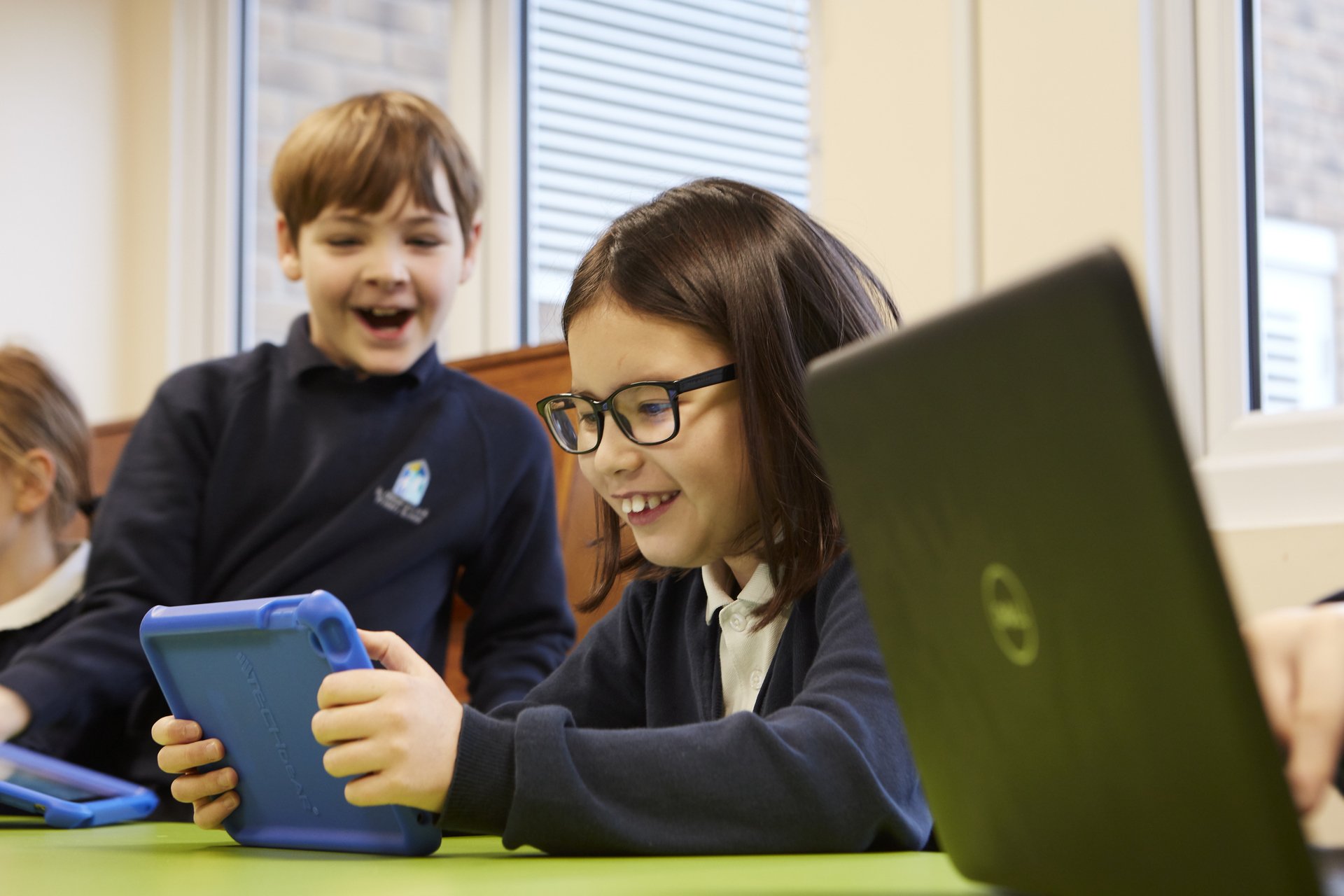
We are excited to announce the launch of the MCAS Bromcom Parent App. This innovative app is designed to enhance communication between parents/carers and school, providing you with easy access to important information about your child’s education.
How to Get Started:
Download the App:
My Child At School (MCAS Parent App) App which can be found on the Apple App Store and Google Play Store:
MyChildAtSchool – Parent App on the the iOS App Store
MyChildAtSchool – Parent App on the the Google Play Store
Login: To access your account please download the app and follow the instructions that will be communicated separately.
Explore: Once logged in, explore the various features and stay connected with your child’s school life. This App will allow you access to all of the home-school communication and will also provide access to the secure payments portal to pay for trips.
The school will use the email address and mobile number that we hold for you in our database. If you change your contact details please let the school know as soon as possible.